You can only edit or delete a one-off payment or deduction in the current pay period.
Open a payroll and select the One-off payments & deductions tile.
Find the payment or deduction in the list and select Edit.

Update any of the following fields as needed:
From and To dates
Amount
Cost centre (enable Change employee cost centre to modify). The fields that will display will be specific to your organisation.
Notes
Select Save & Exit.
To delete the payment or deduction instead, select Delete. The entry is removed immediately.
Once you have made your changes, select Recalculate from the banner at the top of the payroll to update your estimated totals.
Expenses reimbursements
If your organisation uses Expenses, then expense reimbursements can be processed through the employee’s payroll and will appear in one-off payments and deductions.
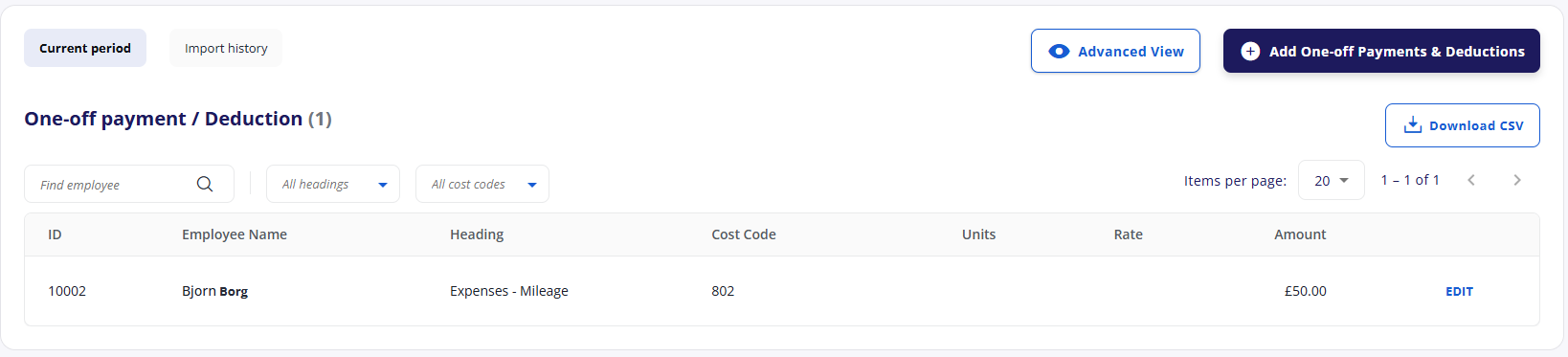
You can edit this payment here or against the employee’s pay details.