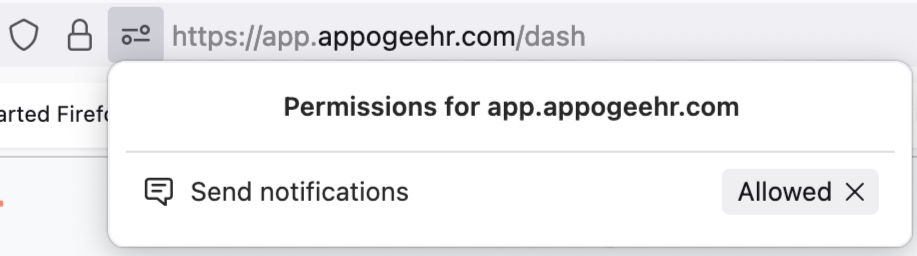
You can subscribe to Offline Notifications on your device in order to receive relevant notifications even when you do not have Cintra People HR open, these notifications will be shown to you in your browser.
To enable Offline Notifications, click on your name in the top right corner of the application and then Preferences.
NOTE: You can’t set up Offline Notifications if you are using Safari or an Apple device (e.g. iPhone)
.png)
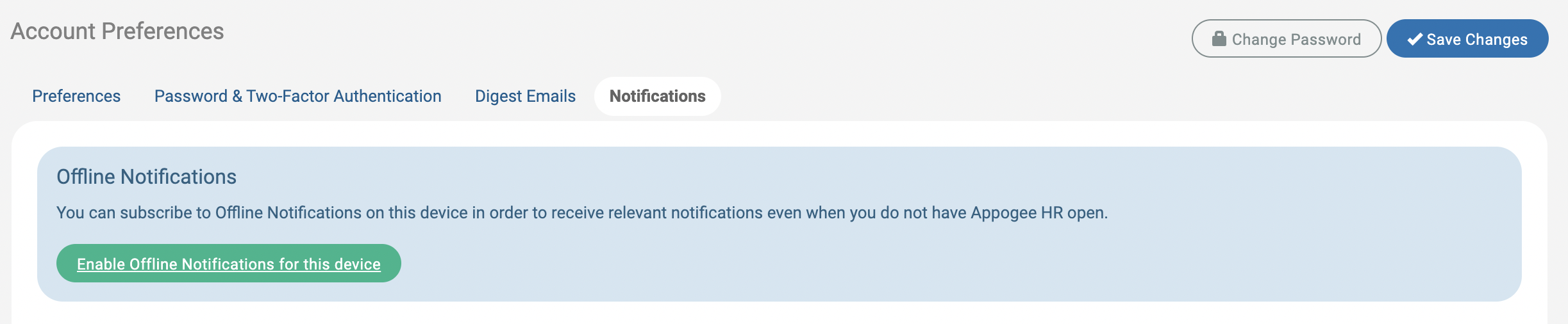
Click Notifications, then Enable Offline Notifications.
A window will appear asking you to confirm. Click Enable. You must also ensure your browser is set up for offline notifications.
Enabling offline notifications for browsers
Chrome
To switch ON notifications, click Allow.
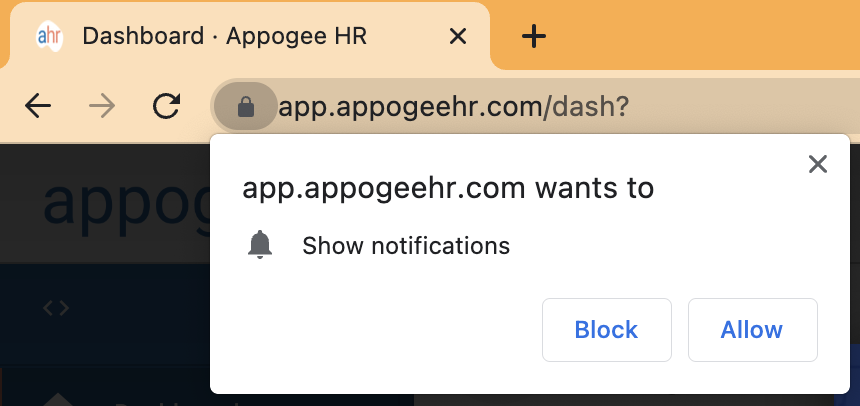
To switch OFF notifications, click the padlock icon in the URL bar of Chrome which will take you to the notification settings.
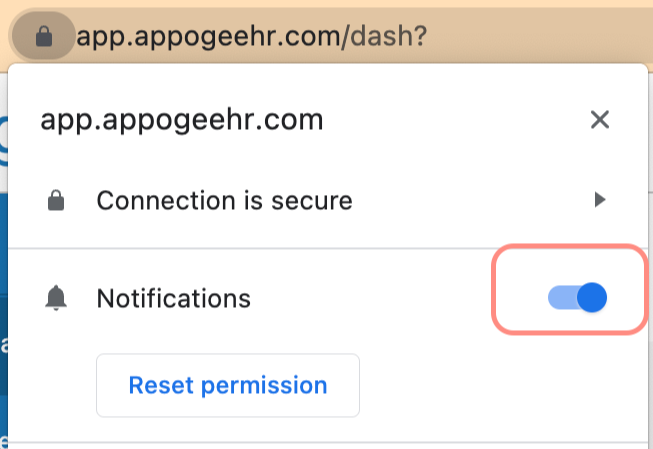
Change the Notifications toggle from on to off. The notifications symbol will show off accordingly.
Edge
To switch ON notifications, click Allow.
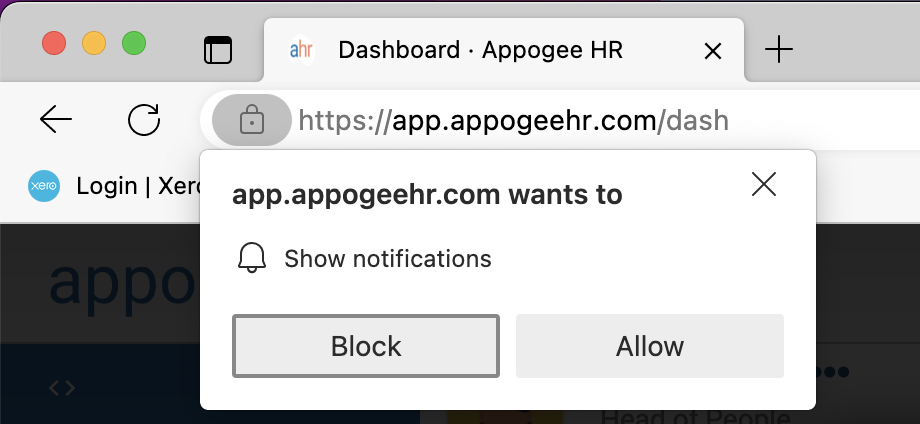
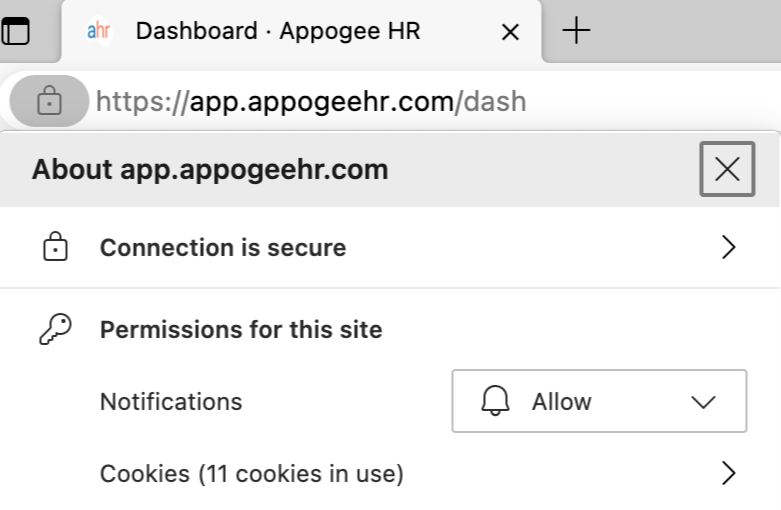
To switching OFF notifications, click the padlock icon in the URL bar, then Change the Notifications dropdown from Allow to Block.
Firefox
To switch ON notifications, click Allow Notifications.
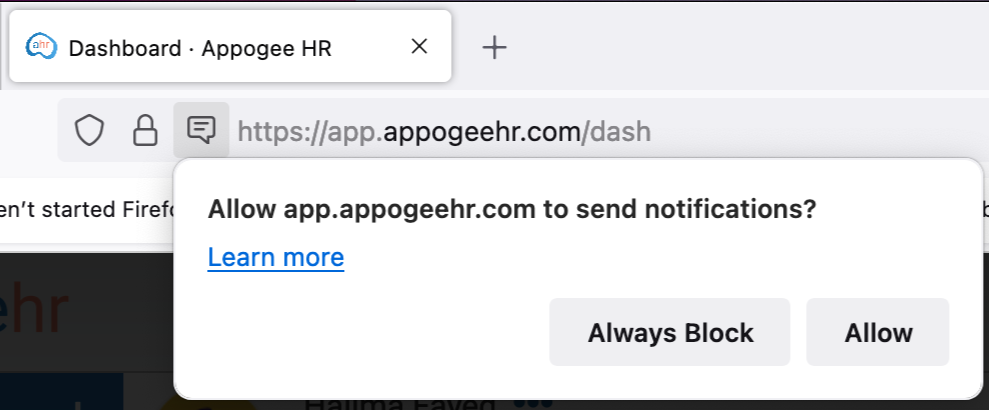
To switch OFF Notifications, click the padlock icon in the URL bar, then click the X next to Allowed.