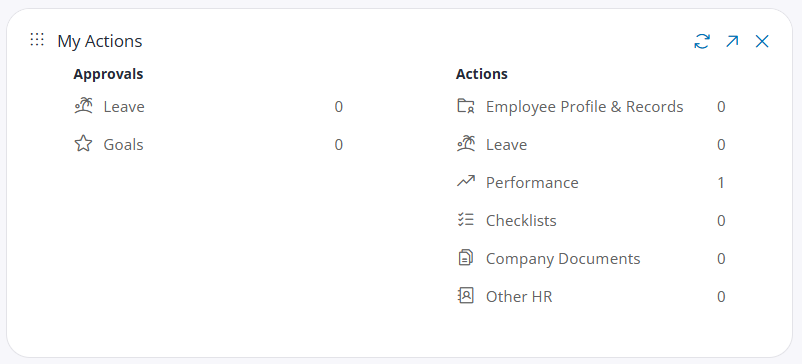
The Dashboard shows you key information specific to you.
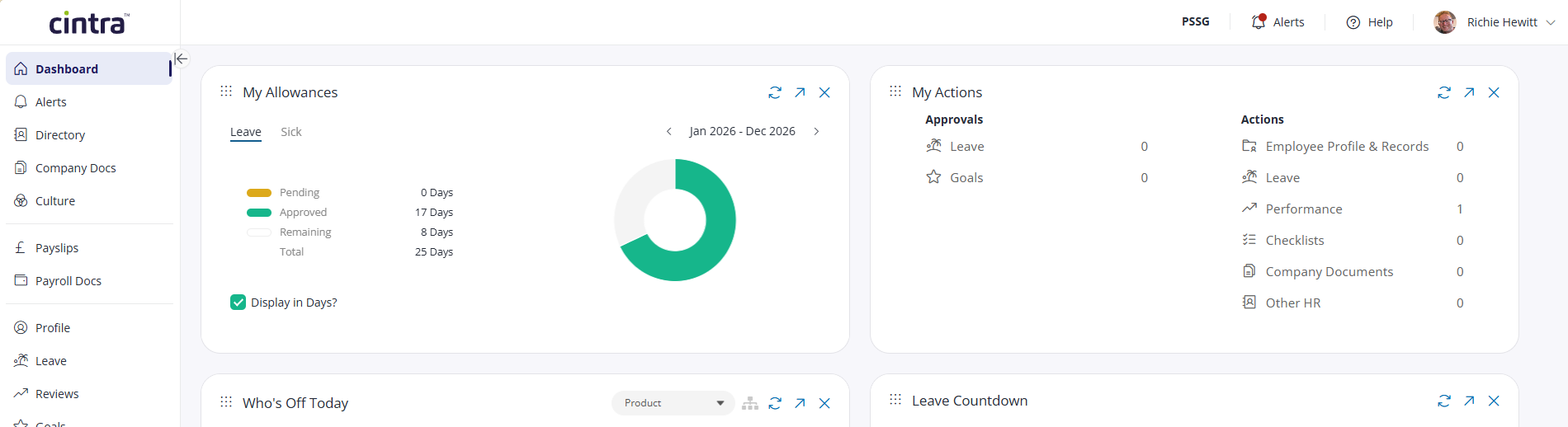
In each dashboard widget you can:
Drag-and-drop widgets to reposition them:

View more information relating to the widget:

Hide the widget:

You can add any widgets currently hidden from the dashboard by toggling Show Disabled Widgets at the bottom of the screen, then dragging the widgets below into position in the dashboard.
Other widgets have further configuration / customisation options. For example:
The Who’s Off Today widget lets you switch between your own team and the whole company.
My Goals lets you view company / team / personal goals, and add your own.
Clicking any line within Approvals / Actions will take you to the records you need to work on.