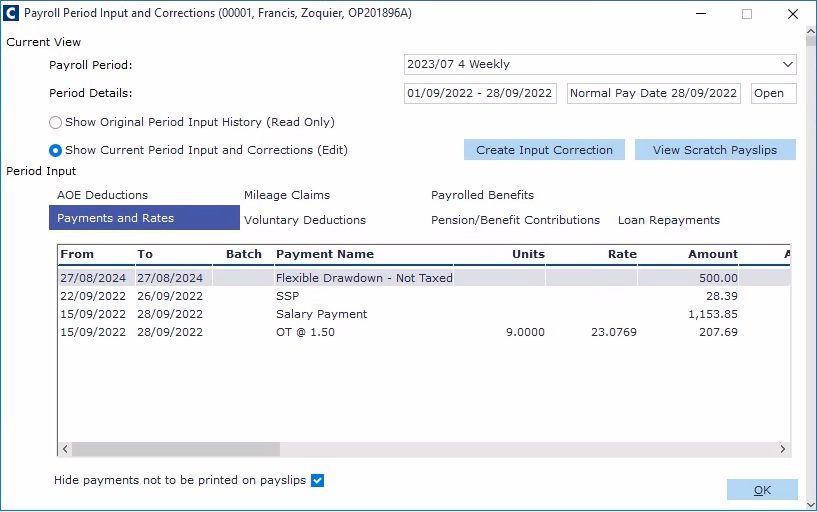
All the information relating to an employee's pay, deductions, benefits, and so on can be viewed in the Payroll Period Input form held against their employee record. The articles below explain each of the tabs found in the form.
To access the Payroll Period Input form for an employee:
In the folder section to the left, select Employee Records.
In the central navigator section, select an employee.
In the Forms section to the right, select Payroll Period Input.
Enter or change AOE deductions and protected earnings (you can only edit existing deductions, not create new ones)
Add other payrolled benefits (you must first set these up under Expenses & Benefits)