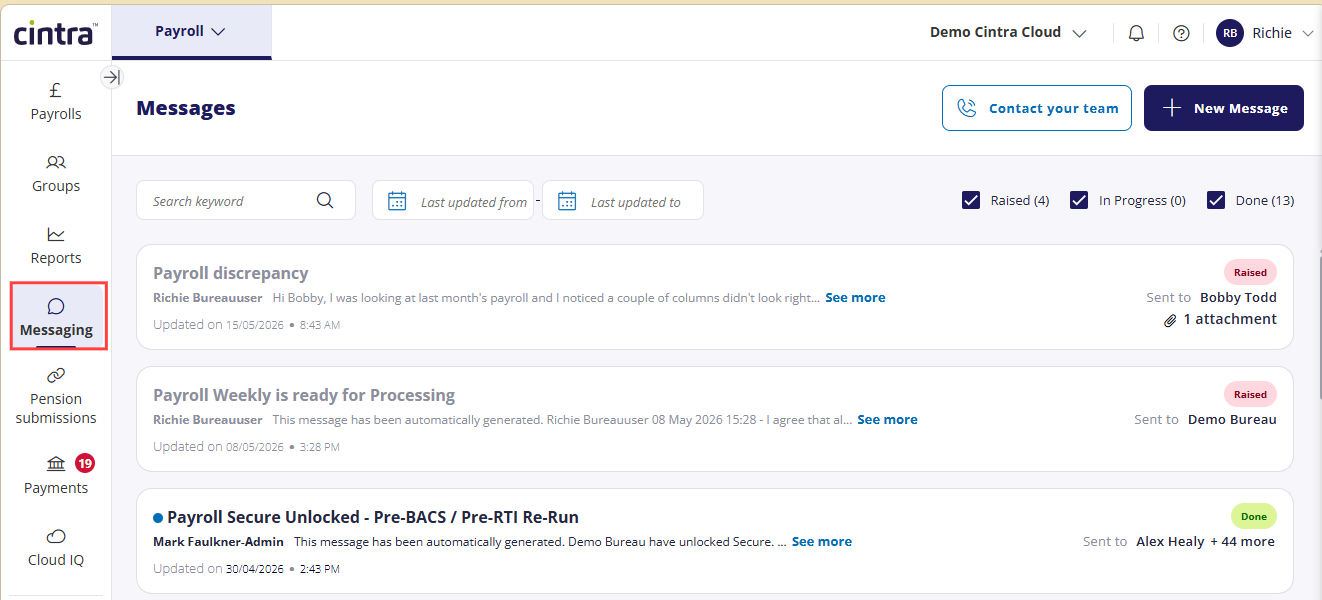
The messaging feature within Cintra People Payroll lets managers of individual payrolls communicate with their bureau and vice versa. You can access messaging from the side menu.
How messages are addressed
When you send a message to a named bureau contact, it is visible to all bureau staff, not just the person you addressed it to. Any member of the bureau team may respond.
To view a full list of the message’s recipients, tap / hover over the Sent to field in the either the list of messages or in the message itself.

Message statuses
Each message has one of three statuses, shown as a badge on the message list:
Raised: the message has been sent and is awaiting a response from the bureau.
In Progress: the bureau has picked this up and is dealing with it.
Done: the conversation has been closed. Only the bureau can change a message's status.
Replying to messages
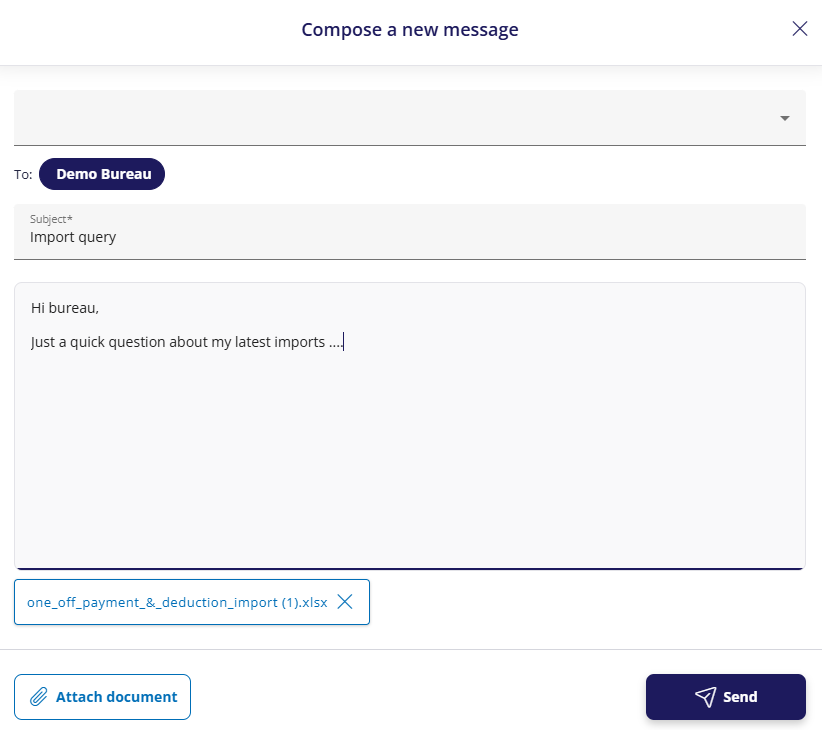
You can reply to any Raised or In Progress message. Messages marked Done are locked, if you need to follow up, select New Message to start a fresh conversation.
Automated messages
Some messages are generated automatically by the system, for example, when your payroll is unlocked for editing or when a payroll run is ready for processing. These appear in your inbox alongside messages from your bureau team.
Attachments
You can attach files to a message when sending it. To download an attachment from an existing message, open the message and select the attachment.
Contacting your team
For phone numbers and other contact details for your bureau team, click Contact your team.
FAQs
Can I download messages from Cintra People?
No. However, messages are never deleted, so will always be visible within Cintra People.
If required, you can either take screenshots or copy & paste the contents of messages.