To access project settings, go to Time > Config tab > General settings > Projects tab.
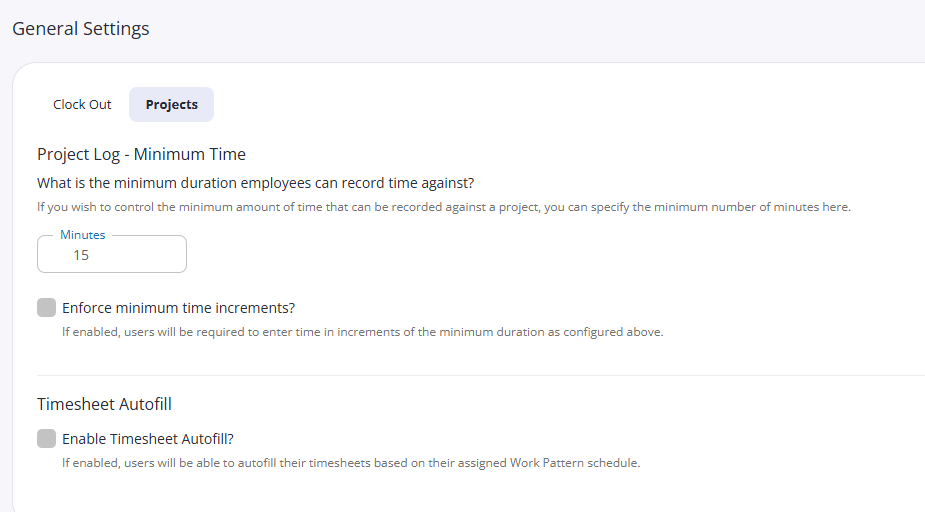
From here you can set the following:
Project Log - Minimum Time: The minimum amount of time a user can record against a project.
Enforce minimum time: Require users to record time in the minimum time increments specified above.
Enable Timesheet Autofill: Tick to allow users to autofill their timesheets based on their assigned work pattern.
Remember! Click save after making any changes