In Cintra People, you can view live data from either a single payroll or multiple payrolls within the same report.
Reporting on a single payroll
To access a report for a specific payroll:
In the Payroll tab of Cintra People, open any payroll.
Click the Reports tab below the payroll summary information. A list of available payroll reports appears.
.png)
You can filter the list of reports by its category, report type (either "custom" or "standard"), or keyword.
Click its View icon:
.png)
The report's customisation screen will appear.
Reporting on single or multiple payrolls
In the Payroll tab of Cintra People, click Reports in the side menu.
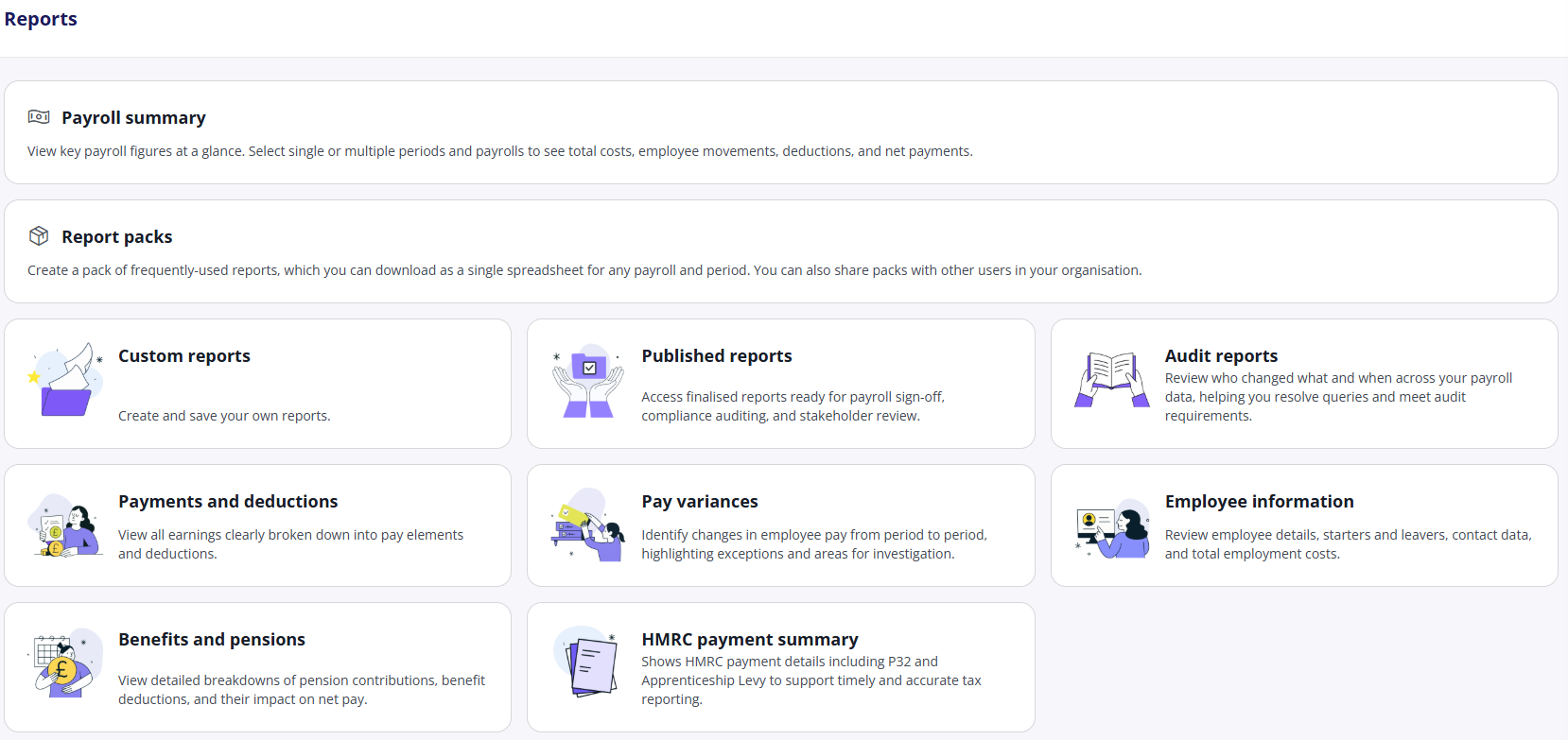
Choose from the Payroll Summary Report, report packs, or click any tile to view all the available reports of that type. For more information, see Payroll reports catalogue.
.png)
You can filter the list of reports by its category, report type (either "custom" or "standard"), or keyword.
Click any report's View icon:
The report's Introduction to Report Customisation screen will appear.
From the Select a Payroll drop-down, select which payroll(s) whose data you want to include in the report.
.png)
Enter a Start / End date. The report will begin to populate.