Who can do this:
HR Manager
Administrator
Configuring Payslips
As part of the Xero integration, it's possible to import employee Payslips. These will sit under the Employment section for each employee, in an additional tab.
You can control access to this feature by going to System Config > System Integrations > Xero > Payslips.
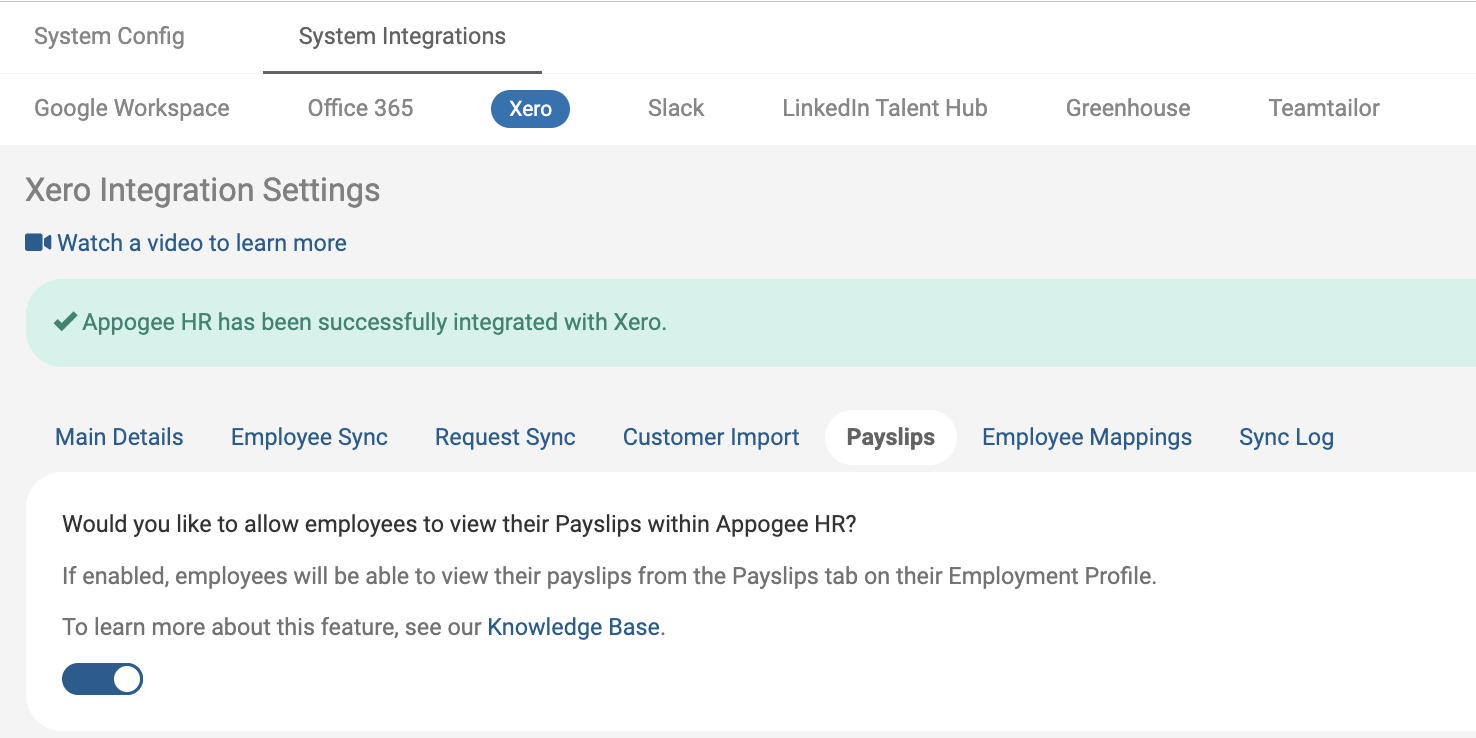
Switching on the feature from here will sync the Payslips with Xero, after this, they are then synced to Cintra People daily. Additional syncs can take place if you add a new employee on the Employee Mappings tab.
Viewing Payslips
Only employees can view their own payslips, HR Managers do not have access to view payslips other than their own.
Go to Employment > Payslips.

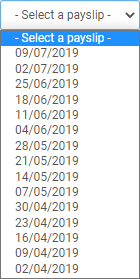
Select a Payslip from the dropdown menu, all previous payslips will be available to choose.
Once selected, you will see your payslip.
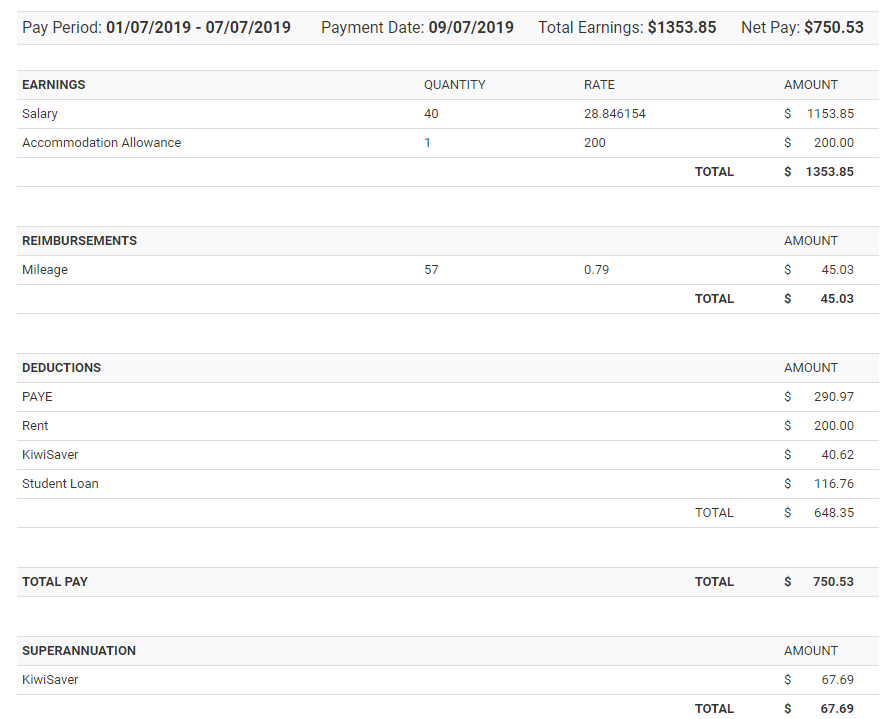
You can also view your Payslip in Xero, or download your Payslip - these options will take you out of the app and prompt you to log into Xero.