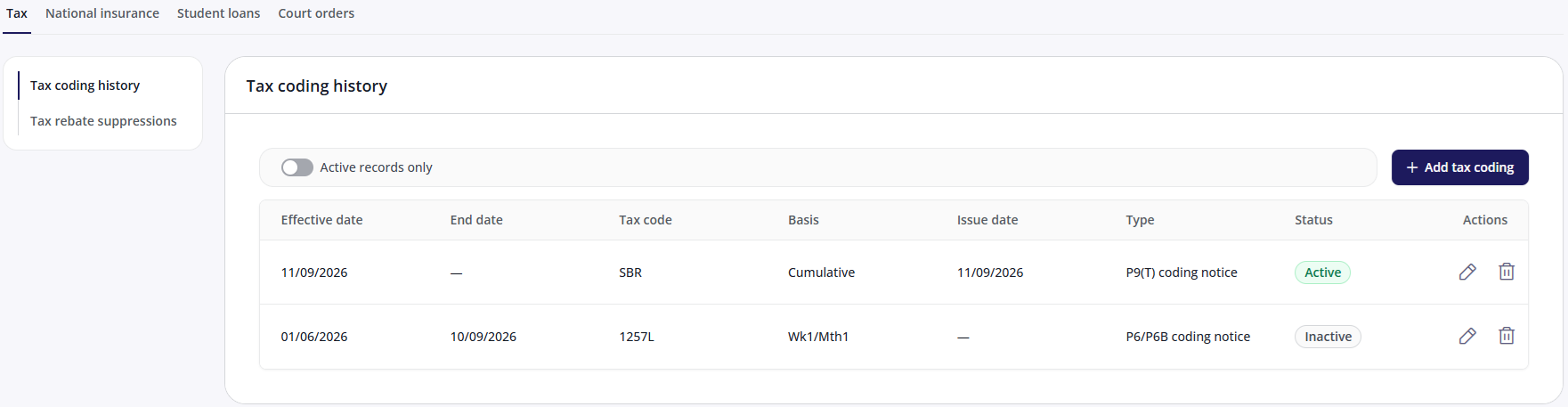
Most employee information is managed in HR, but certain payroll-specific details must be added or edited in Payroll. This includes pensions, benefits, costing details, and HMRC starter checklist information.
Before you begin
The employee must already exist in HR and be assigned to a payroll. If you haven't created the employee yet, see Add a new employee.
Fields you can edit in Payroll
Within an employee record of the Payroll tab, some employee data can only be viewed and some can be edited.

Personal details: View only. Edit in HR.
Payment details: View only. Edit in HR.
Employment & position: View only. Edit in HR - Employee Admin.
Working patterns: View only. Edit in HR - Employee Admin.
Salary & allowances: View only. Edit in HR.
Benefits: These are split into company vehicles, salary sacrifices, and other benefits. Currently, they can be edited in both HR and Payroll.
Costing details: View and edit in Payroll.
HMRC starter checklist: View and edit in Payroll.
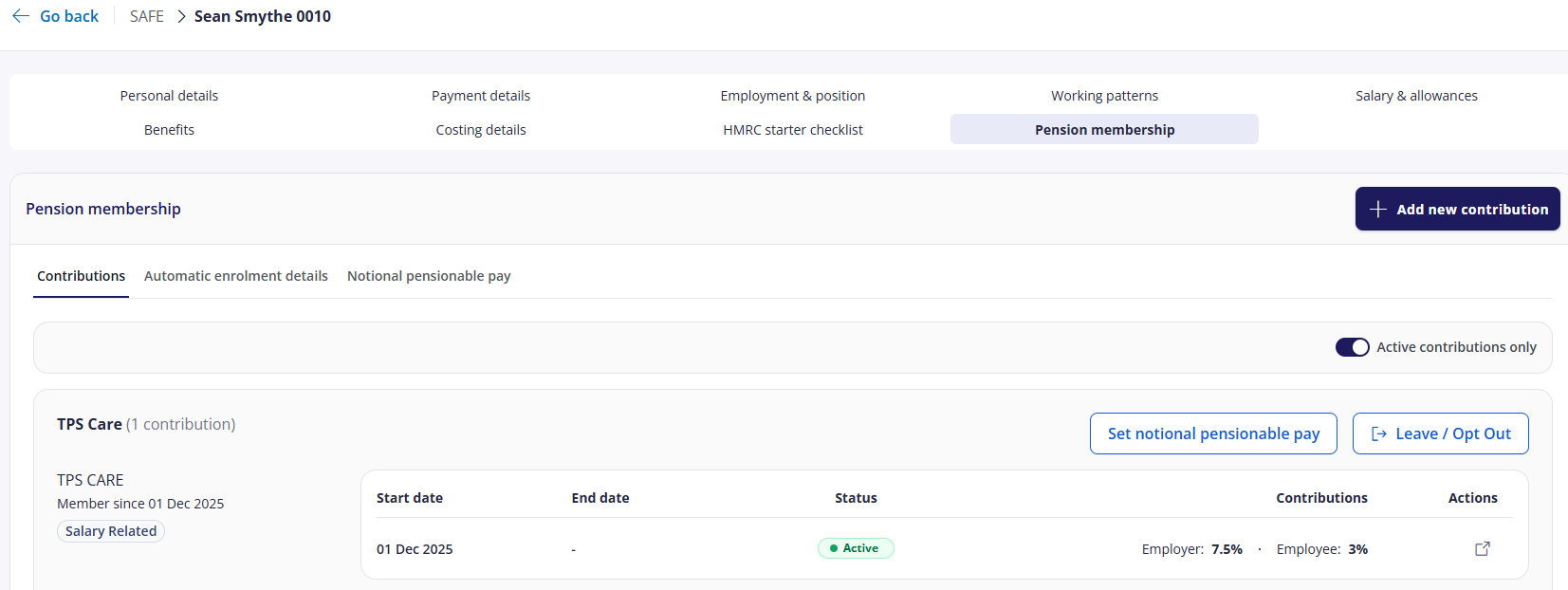
Pension membership: View and edit in Payroll.
Deductions & loans: View and edit in Payroll.
Statutory deductions: View and edit in Payroll.
Edit an employee in Payroll
Within the employee list of the Payroll screen, click an employee’s name to view / edit their payroll information.
.png)
You can only edit an employee if their payroll has not been locked. Within the employee record, you can view / edit the following information:
Salary & allowances (view only)
You can only set the user’s salary when adding or editing a user in the HR tab. You can also set allowances and rates when editing the user there.
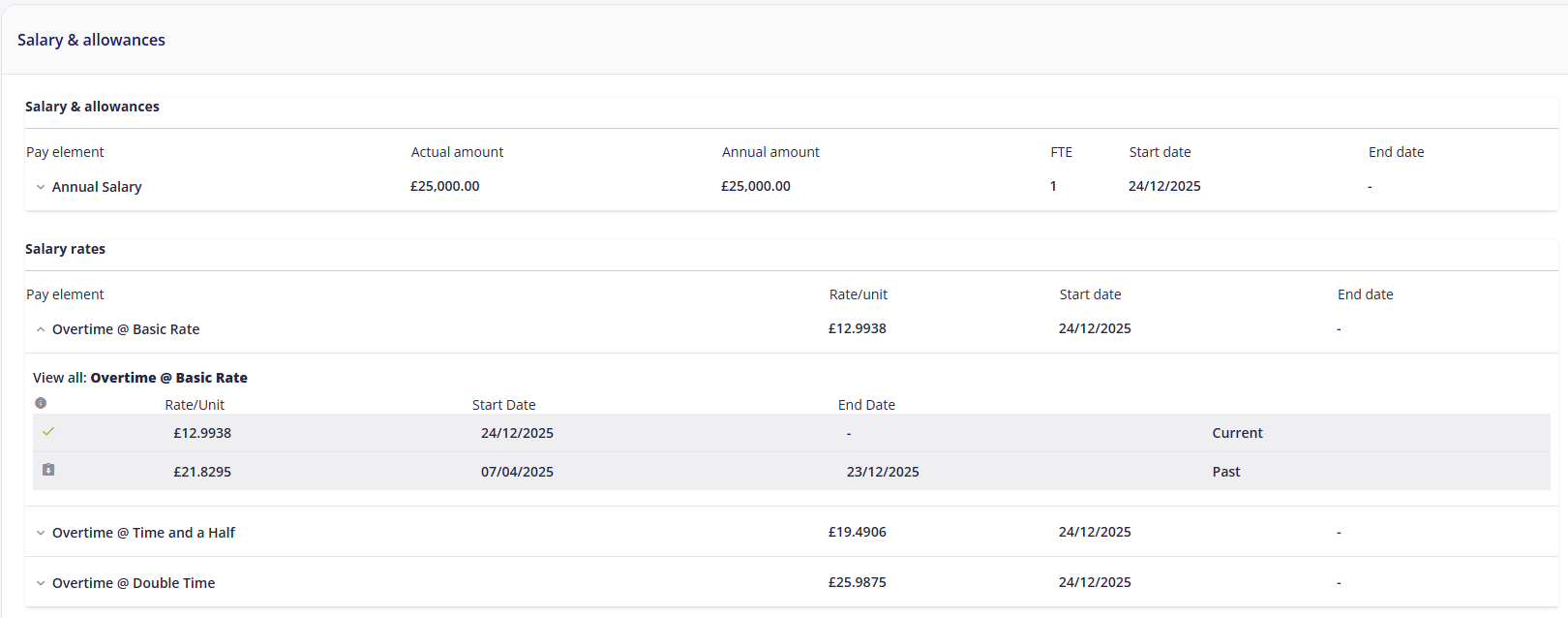
The upper half of the screen lets you add further salaries & allowances / rates which aren't based on a specific position.
Benefits
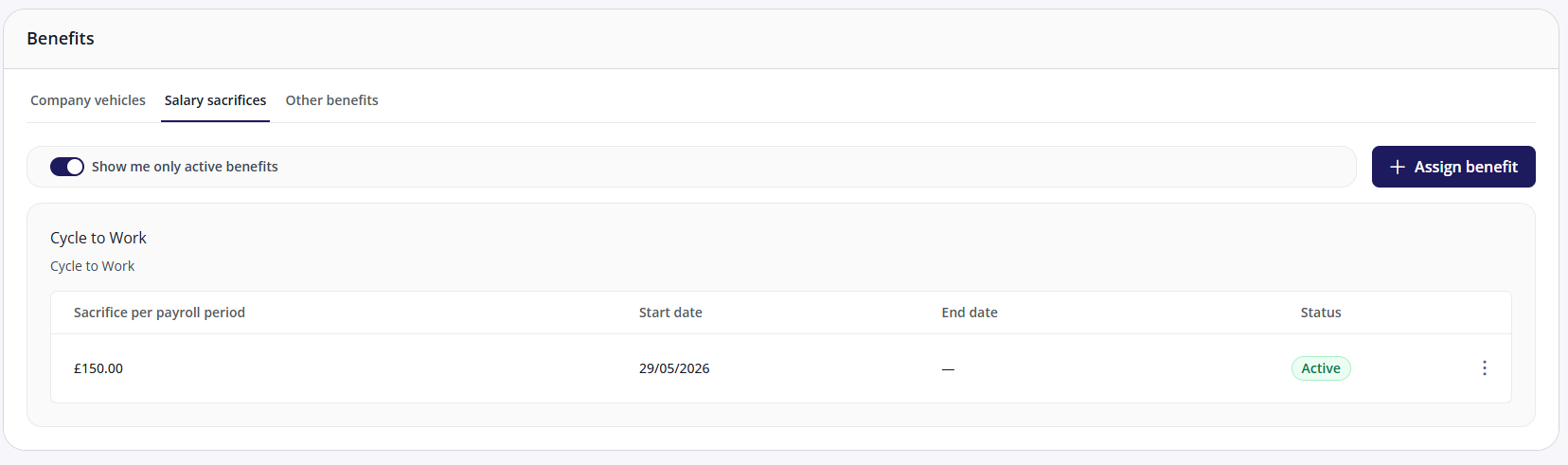
Any benefits that can affect a user’s pay, such as cycle-to-work or childcare schemes can be assigned to an employee. For more information, see company vehicles, salary sacrifices, and other benefits.
Costing details
Costing details let you determine how the cost of paying an employee is to be allocated, usually against one or more departments. For more information, see Costing details.
.png)
HMRC starter checklist
The HMRC Checklist is used to collect key starter information for new employees. It ensures accurate tax code assignment and compliance with HMRC requirements when managing new starters. For more information, see HMRC starter checklist
.png)
Pensions membership
Employees can be assigned to pension schemes - either contractually or through auto-enrolment. To view and edit this information, see Pension membership.
Deductions and loans
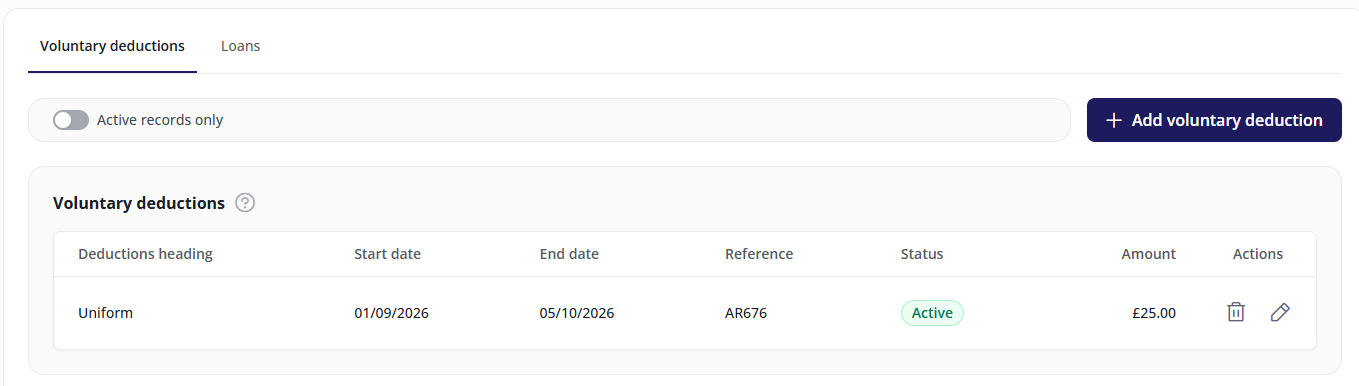
This section lets you record any loans and other voluntary deductions (e.g. for uniforms or repairs). See deductions and loans.
Statutory deductions
There are four main categories of statutory deductions (reasons for taking money from an employee’s pay):