When you log in as a Bureau user, you will notice that some areas of the
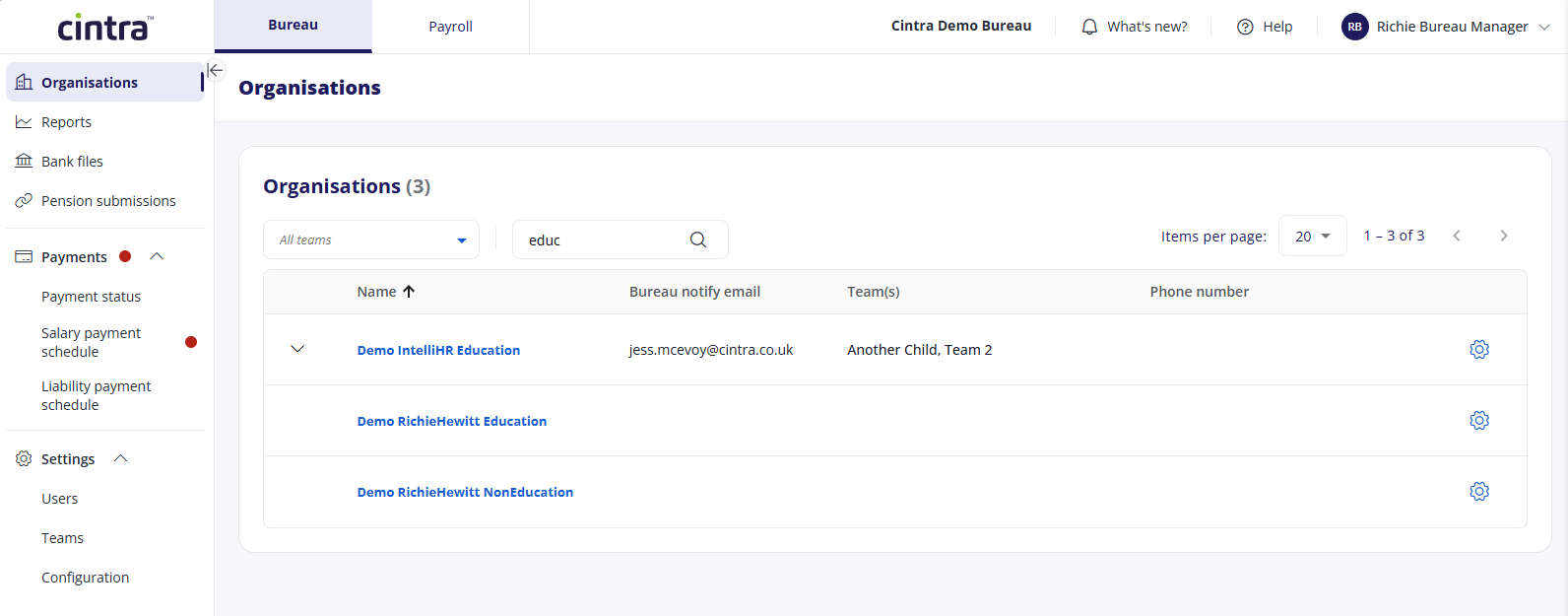
You can switch between Bureau and Payroll by clicking the tabs at the top of the screen.
For general information on the account settings and other areas at the top-right of the screen, see Find your way round Cintra People Payroll
In the menu on the left, you can access the following:
Organisations: For each organisation you have access to in the Bureau, you can adjust their settings or view their payroll(s). See Managing organisations.
Reports: Bureau reports published in Cintra iQ can be accessed in Cintra People Payroll. see Published Bureau reports.
Bank files: See Manage and submit bank files
Pension submissions: Submit your organisations’ pension data directly to NEST. See Bureau managed pension submissions.
Payments:
Payment status: See Payment status report.
Salary payment schedule: See Salary payment schedule.
Liability payment schedule: See Liability payment schedule.
Settings:
Users: See Bureau user management and impersonation.
Teams: See Bureau teams.
Configuration:
Nest settings: Enter your NEST username and password to allow for direct submission of pension data to NEST. See Pension submissions.
Report packs: You can create collections of reports and share them with organisations in your bureau. See Report packs.